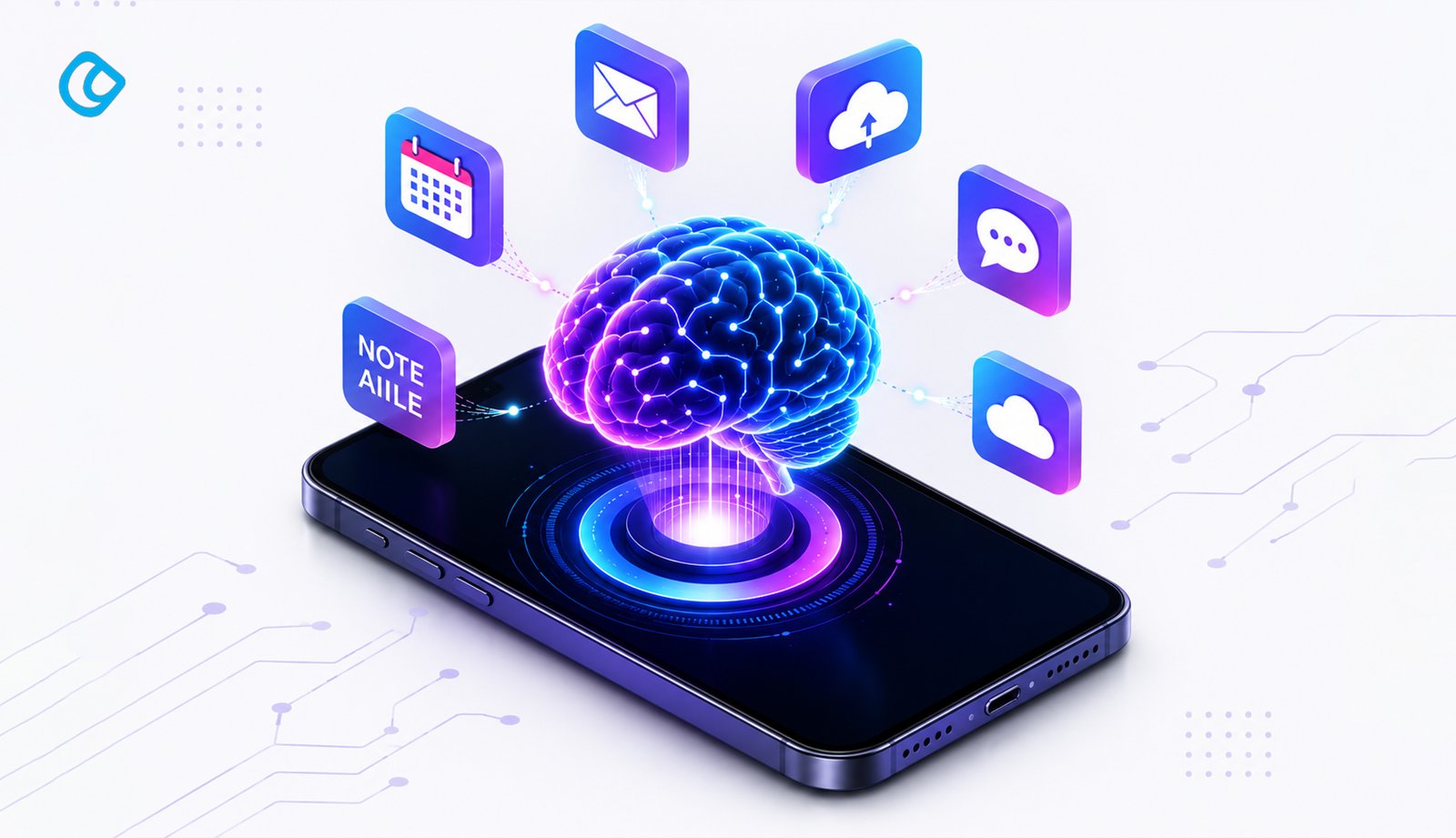
A personal AI assistant is software that works continuously on your behalf, remembering your preferences, managing your email, automating repetitive tasks across tools, and acting proactively without you having to ask. Unlike basic chatbots, modern AI assistants in 2026 have evolved into true work companions with persistent memory, multi-step capabilities, and direct integration with your calendar, email, and productivity apps. Whether you’re a founder drowning in emails, a content creator facing blank page syndrome, or a developer managing multiple codebases, there’s an AI assistant designed to reclaim hours from your week.
To better understand how an AI assistant helps, first make yourself aware of what AI assistants are.
What Is a Personal AI Assistant?
A personal AI assistant isn’t a chatbot you open in a browser tab and forget about the moment you close it. It’s software that remembers you, works continuously, and acts on your behalf across all your tools. By August 2025, 54.6% of working-age adults aged 18 to 64 had used generative AI, an adoption curve that outpaces both personal computers and the early commercial internet at comparable points in their rollout.
The critical distinction matters here:
A chatbot is reactive, single-turn, and forgetful; you ask it a question, it answers, and the conversation ends
A personal AI assistant is proactive, persistent, and contextual; it learns your habits, anticipates your needs, and carries tasks across multiple platforms without dropping them
Feature
Chatbot
Personal AI Assistant
Memory
No memory
Persistent memory across sessions
Interaction Style
Reactive (you prompt, it responds)
Proactive (it acts before you ask)
Workflow Capability
Single-turn conversations
Multi-step workflows across tools
Context Handling
Starts fresh every time
Context compounds over time
7 Ways a Personal AI Assistant Helps You Every Day
It Remembers Everything So You Don’t Have To
The true compounding power of a personal AI assistant is memory. Once you tell it something, it never forgets. You mentioned once that a particular client prefers the executive summary format, always in bullet points, with no fluff. Every single email draft from that point forward is automatically adapted. The longer you use the assistant, the less you need to explain, because it already knows. This is where personal AI assistants completely outclass traditional chatbots.
Plan Your Day Before You Ask
Imagine opening your device and immediately seeing weather, three critical emails flagged by importance, your calendar with buffer time preserved, today’s top three priorities ranked by deadline, and the industry news relevant to your role, all in a single 30-second scan. That’s what a “Start my day” trigger does. The assistant doesn’t wait for you to ask. At a time you specify, it pulls everything that matters into one personalized briefing. Some assistants can even schedule this to run automatically, no prompt needed.
Handles Your Email and Communication
Email is where most knowledge workers lose an hour a day to triage, decision fatigue, and context switching. A personal AI assistant connects to your inbox, reads every incoming message, and surfaces only what actually requires a decision from you. It drafts replies in your voice, summarizes threads that don’t need your attention, and flags the three emails that genuinely matter today. It understands your relationships; it knows which senders always require immediate responses, which ones can wait until afternoon, and which are likely spam disguised as business.
It Works Across All Your Tools
Where most work gets lost isn’t in any single tool; it’s in the gaps between tools. A task starts in Slack, gets assigned in Linear, needs a calendar block, requires a Notion doc update, and should trigger an email reminder. Most of us handle this manually. A personal AI assistant sees all your tools simultaneously. It posts in Slack, moves the Linear ticket, blocks the calendar, updates Notion, and sends the email, all from a single instruction.
Key integrations that matter in 2026: Slack, Notion, Google Workspace, Linear, Asana, Jira, HubSpot, and X/Twitter. If an assistant can reach your core tools, it can actually change how you work. One assistant seeing all your tools means continuity. Tasks start and finish without being handed back to you for re-routing.
Acts on the Web and Even Makes Phone Calls
This is the capability that least feels like “using AI,” and most feels like having a human assistant. Browser-native actions mean the assistant can fill forms for you, navigate websites on your behalf, read pages, and extract information. Chrome Auto Browse (rolling out to 200 million Android devices in June 2026) brings this mainstream; it’s no longer an experimental feature.
Builds Things for You On the Spot
Ask a capable personal AI assistant to build you a habit tracker app, and if it doesn’t give you a description, it builds one. A real, interactive tool you can start using immediately. Full blog posts, research reports, decks, and presentations are drafted without you switching apps. A sales manager can request a competitive analysis presentation and have slides to work with within the hour.
Learns and Expands Its Skills Over Time
A personal AI assistant doesn’t have a fixed ceiling on capability. When it encounters a task it can’t handle, it can install a new skill, build one from scratch, or find a workaround. Open-source and extensible assistants especially benefit from this. You start by handing it one repetitive workflow, let’s say, weekly report generation. Once it proves reliable, you expand to email triage, then calendar management, then cross-tool automation. Each expansion is deliberate and measured, and only happens after the assistant has proven itself. Trust is earned per task, not granted all at once.
Founders and business owners spend their days making decisions scattered across email, Slack, calls, and quick triage. A personal AI assistant collapses the decision surface. Email management becomes 10 minutes instead of 60. Research synthesis happens overnight. Scheduling stops being a game of back-and-forth messages.
Content marketers and writers face constant friction: topic ideation, brief writing, research synthesis, and draft creation all demand context switches. An AI assistant becomes the research partner that’s always available, the editor that drafts first drafts, and the scheduler that blocks deep work time. SEO research stops being a separate project; it’s baked into draft generation.
Web developers: live in code, debugging, and documentation. GitHub Copilot works inside VS Code; it sees your codebase, understands your architecture, and generates code completion that’s contextually relevant, not generic.
Executive assistants: own the executive’s calendar, travel, and task flow. An AI assistant scales this: it handles routine travel research, automatically reschedules conflicts, batches decisions, and escalates only what requires human judgment.
Researchers and analysts synthesize sources and write findings. An assistant that can read PDFs, cite sources, and draft arguments cuts research time in half.
Sales teams: track leads, draft follow-ups, and update CRMs. An assistant who reads the last email exchange and drafts a personalized follow-up in the prospect’s tone saves time and improves results.
Best Practices When Using a Personal AI Assistant
The difference between a personal AI assistant that transforms your work and one that sits unused comes down to how you onboard it.
Invest time upfront: Spend an hour walking the assistant through your role, your tools, your recurring projects, and the key people it will encounter. Share context: “These are my three biggest clients and how they each prefer communication. This is my calendar blocking preference. These are my core tools. Here’s what a great email response looks like in my voice.” This feels slow initially but compounds dramatically.
Show, don’t tell: Rather than describing your preferences (“I like concise emails”), show real examples of strong output versus weak output. The assistant learns faster from examples than from descriptions.
Start small, then expand: Hand over one repetitive task first: email triage, calendar management, or weekly report generation. Once it proves reliable over two weeks, widen the trust gradually. This builds confidence on both sides. You see that it can handle responsibility; it proves it deserves more.
Give it a shared workspace: Create a folder that the assistant reads from and writes to. Shared context, past decisions, completed work, and ongoing projects compound over time and make each interaction smarter.
Turn repetitive work into saved skills: Any multi-step process that works well should become a codified skill that the assistant can run the same way every time, with no variation.
Keep a human in the loop for critical decisions: Always approve anything involving accounts, contracts, or money. The assistant handles the legwork; you handle judgment calls. Never let it make autonomous decisions on things that matter.
Mind your inputs: Clear context equals quality output. If you give the assistant vague, poorly structured requests, you’ll get vague, poorly structured results. The assistant mirrors the quality of what you feed it. Give it structured data, clear examples, and explicit criteria for success.
Best Personal AI Assistants in 2026
The best AI assistant depends entirely on your use case. No single tool dominates every scenario. By 2028, one-third of user interactions are expected to shift from traditional apps to agentic front ends, meaning users will interact more with AI assistants than with menus or forms. ChatGPT for general work. Claude for deep analysis. GitHub Copilot for code. They’re not competing; they’re complementary.
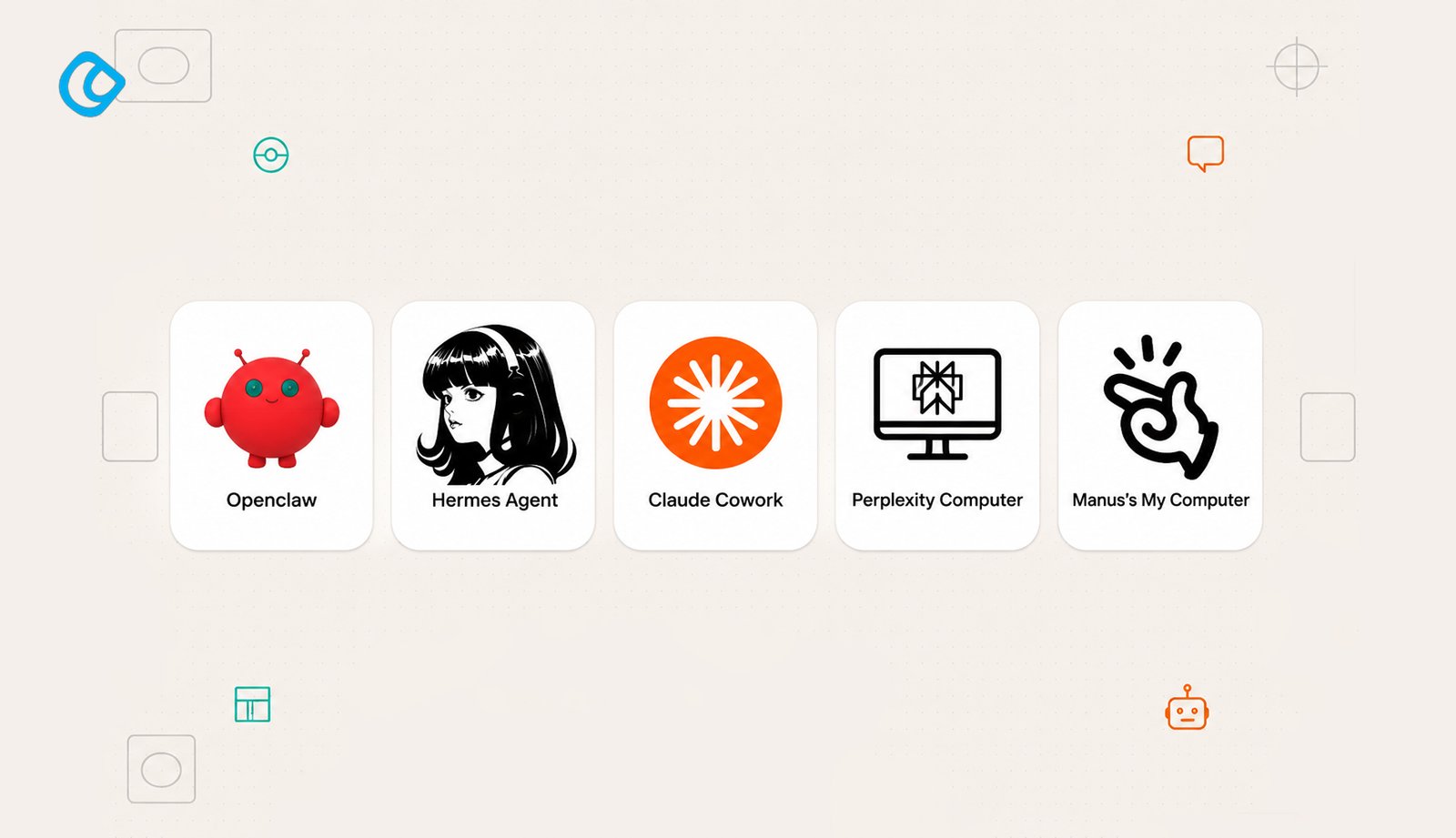
The 5 Best Personal AI Assistants
1. Openclaw
Best for: Open-source workflows, customizable automation, developers, and power users
Openclaw is the most flexible personal AI assistant for users who want to control their entire stack. Built on open-source principles, Openclaw doesn’t lock you into proprietary integrations or force you to trust a corporation with your workflows. You can self-host, customize every component, and extend functionality exactly as your work demands. The architecture supports both local and cloud deployment. Teams use Openclaw for sensitive workflows, financial analysis, legal research, and healthcare data, where data residency and privacy are non-negotiable. Integration with your own infrastructure means you maintain full control.
Pricing: Open-source (free); premium hosted tier available for teams.
Strength: maximum flexibility, full source code control, privacy-first architecture. You’re not dependent on vendor roadmaps.
Weakness: requires technical setup and maintenance. Not ideal for users who want plug-and-play simplicity.
Bottom line: The AI assistant for users who refuse to compromise on flexibility and privacy.
2. Hermes Agent
Best for: Cross-team collaboration, message automation, workflow orchestration
Hermes Agent specializes in workflow orchestration and asynchronous communication. Named after the messenger god, it excels at moving information through teams, automating task routing, and coordinating work across departments. Hermes works particularly well for operations teams, marketing coordination, and enterprise communication. It monitors channels, understands conversation context, and automatically routes decisions to the right person. When a message requires input from your finance team, Hermes knows that and escalates. When a client request needs sign-off, it surfaces it.
The strength is in workflow intelligence: Hermes learns your team’s patterns and makes communication flow faster, reducing meetings and email clutter.
Pricing: $25/month per team; enterprise licensing available.
Bottom line: The AI that makes your team’s communication and task routing invisible and frictionless.
3. Claude Cowork
Best for: Teams writing together, multi-perspective analysis, document collaboration
Claude Cowork is Anthropic’s team collaboration platform, where multiple people work on the same analysis, research document, or strategy in real-time with an AI that understands context from all contributors. Unlike single-user Claude sessions, Cowork maintains shared context across team members. When one person adds research, another refines the argument, and a third fact-checks, Claude tracks contributions and maintains consistency. It’s particularly strong for research synthesis, competitive analysis, and long-form collaborative writing.
The real value: the assistant understands that this is a team effort, not individual prompts to different tools. It preserves editorial voice and analytical rigor across multiple writers.
Pricing: $15/month per user on Claude Cowork; requires team organization.
Bottom line: The AI assistant for teams who write and think together, not in isolation.
4. Perplexity Computer
Best for: Real-time research with cited sources, fact-checking, verified intelligence
Perplexity Computer is the research-grade assistant purpose-built for accuracy and source verification. Every answer comes with inline citations to the exact sources used, not just claims but provable facts with links you can verify. For competitive research, market intelligence, and fact-dependent work, Perplexity Computer is non-negotiable. It goes deep on complex topics, synthesizing multiple sources and presenting findings with full attribution. Deep Research mode investigates layered questions across dozens of sources.
Accepts file uploads for analysis: PDFs, images, audio, video. Critical for due diligence, research reports, and claims that need verification.
Pricing: $20/month for Pro access; Deep Research at a higher tier.
Bottom line: The AI you reach for when accuracy and verification matter more than speed.
5. Manus My Computer
Best for: Individual productivity, local automation, personal task management
Manus My Computer is a personal-scale AI assistant that lives on your machine. “Manus” means hand; it’s meant to feel like a personal assistant at hand, not a distant service. It works locally first, minimizing the data that leaves your device. Manus handles personal task automation, desktop workflow orchestration, file organization, and local knowledge management. It’s particularly strong for writers, researchers, and knowledge workers who have a deep personal file system and need an assistant who understands it.
Strength: privacy (local-first), lightweight, deep integration with your personal files and workflows.
Weakness: less powerful for cross-team work or cloud-scale collaboration.
Bottom line: The personal AI assistant that respects your privacy and works at desktop scale.
Tool
Best For
Architecture
Price
Top Strength
Openclaw
Flexibility, privacy, developers
Open-source, self-hostable
Free (open)
Full control & customization
Hermes Agent
Team communication, workflow
Cloud-native
$25/team/mo
Workflow orchestration
Claude Cowork
Collaborative writing, analysis
Cloud, team-based
$15/user/mo
Multi-person context
Perplexity Computer
Research, verification
Cloud with citations
$20/mo
Sources & verification
Manus My Computer
Personal productivity, local automation
Local-first, on-device
$12/mo
Privacy & desktop integration
Conclusion
Personal AI assistants have moved beyond novelty into necessity. The best one for you depends on what work you do, which tools you already use, and where your biggest time drain is. If email overwhelms you, start with Claude or ChatGPT. If your calendar is chaos, Motion is the answer. If you’re a developer drowning in tickets, GitHub Copilot pays for itself immediately. If your entire workflow lives in Google, Gemini is obvious. The compounding effect of a personal AI assistant. The longer you use it, the smarter it gets, and the more time it saves. makes starting now the only real question. Not whether, but which one.
Acodez is a leading web development company in India offering all kinds of web development and design solutions at affordable prices. We are also an SEO and digital marketing agency in India, offering inbound marketing solutions to take your business to the next level. For further information, please contact us today.
FAQ
How is a personal AI assistant different from a chatbot?
A chatbot is reactive, answering questions when you prompt it, then forgetting everything when the session ends. A personal AI assistant is proactive, persistent, and contextual; it learns your habits, carries tasks across multiple tools, and acts before you ask.
What is a personal AI assistant?
A personal AI assistant is software that works continuously on your behalf, remembering your preferences and handling tasks across your tools, email, calendar, documents, and project management without forgetting context between sessions. Unlike chatbots, they’re proactive and persistent.
Which personal AI assistant is the best in 2026?
There’s no single “best”; it depends on your use case. ChatGPT is best overall, Claude excels at writing and analysis, Gemini wins for Google Workspace users, and Perplexity dominates research. Most power users run 2–3 in parallel.
What is the best free AI assistant in 2026?
ChatGPT’s free tier is the broadest free option. Gemini offers free access for Google Workspace users. Both give you enough capability to evaluate whether you need paid features.
Looking for a good team
for your next project?
Contact us and we'll give you a preliminary free consultation on the web & mobile strategy that'd suit your needs best.
Farhan Srambiyan is a digital marketing professional with a wealth of experience in the industry. He is currently working as a Senior Digital Marketing Specialist at Acodez, a leading digital marketing and web development company. With a passion for helping businesses grow through innovative digital marketing strategies, Farhan has successfully executed campaigns for clients in various industries.