As of 2025, Android has an 86 percent share in the market of the smartphone operating system. Clearly, Android is the most used operating system in smartphones. Its only competitor in the smartphone operating system market now is Apple’s IOS. But Android is not that old. The first Android smartphone was launched in September 2008 and it did not take much time for Android to suppress all its rivals, except the IOS of course. In these years, a number of Android versions were released with better features that made it the top smartphone operating system. In this article, we will discuss the history of Android and its evolution it had. The Android versions clearly had a role in the evolution of mobile apps.
In October 2003, Andy Rubin, Rich Miner, Nick Sears, and Chris White founded Android.inc Palo Alto, California. The main intention of the company at the time was to build an advanced operating system for digital cameras. But soon the company realized that there was no big market for digital cameras and thus, they shifted their intention to develop Android as a mobile operating system. Symbian and Microsoft Windows Mobile were the main targets for them as rivals. But still, there were no investors for Android. A close friend of Rubin, Steve Perlman gave ten thousand dollars to him and this resulted in the growth of Android. It was in July 2005 that Google acquired Android for 50 million dollars. Most of its key employees, including a few founders, also joined Google as part of the deal. The team at Google started working on Android with Rubin as the team lead. At the time, Google did not reveal much about its Android project
The early prototype had a resemblance to Blackberry’s smartphones. It had a QWERTY keypad and no touchscreen. This did not go well because Apple launched its first iPhone in 2007. Soon other rivals, Nokia and Blackberry also announced the arrival of a touchscreen in their smartphones. Google realized they needed to switch their product to one with a touch function if they wanted to compete with other companies. Below is the evolution of the Android mobile operating system through its different versions, starting from 2008. Nowadays, Android powers not only mobile phones or tablet PCs and ebook readers, but also IoT devices and even smart bicycles, which would not even have been in the wildest thoughts of Android project founders, Andy Rubin, Rich Miner, Nick Sears, and Chris White back then, where they originally touted it as a smart operating system for digital cameras.
List of Android Versions in Order
Android 1.0 (September 23, 2008)
The first smartphone with an Android operating system was launched in 2008 and its name was HTC Dream, also known as T-Mobile G1. It had a pop-up QWERTY keypad and a touchscreen display. The smartphone did not go well it had many flaws. It had Android 1.0 in it and the beginning of Android’s journey started with it. This version of Android (in fact the first 2 versions) did not have any official names or code names.
Android 1.1 (February 9, 2009)
Even though the first two public versions of Android (1.0 and 1.1) did not have any code names, Android 1.1 was unofficially called Petit Four. This was released in February 2009, ie just 4 months after the launch of Android 1.0 version, but there were no major changes than in the previous version. However, one important thing that turned in favor of Android with this release was that it was able to prove the easiness to users to install newer updates with incremental features, as no other platform had that sort of a capability then. This was evident later, when Android released 4 versions in the year 2009 itself, including the version 1.1.
Android 1.5 Cupcake (April 27, 2009)
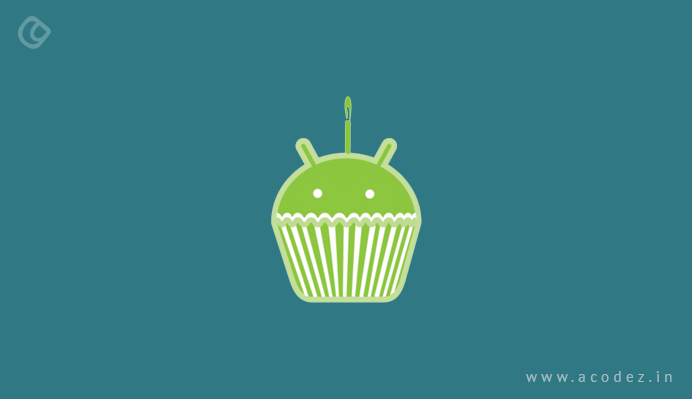
It was version 1.5 that came with the name Cupcake and this pattern of naming Android version is opted by Google till now. The cupcake was released in April 2009. Many features and improvements were included in it. Few of its features available on Android even today such as the ability to upload videos to YouTube, support for third-party keyboards, and feature like automatically rotating phone’s screen to the right positions.
The first Samsung Galaxy phone had the Android 1.5 cupcake.
Google launched the next version just five months later. It was Android 1.6 Donut. The main feature included in Donut was that it supported carriers that used CDMA based networks. This was a big plus point, as it allowed all carriers across the world to sell smartphones with Android OS.
It also included features like quick switching between the Cameras, Camcorder, and Gallery that could streamline the image-capture experience. It also introduced the Quick Search Box. Also, there were features like Power Controlling widget that could manage Wi-Fi, Bluetooth, Global Positioning System (GPS), etc.
One of the smartphones, Dell Streak had Donut operating system. It had a 5-inch screen that was huge at that time. It was not well received by the public.
Android 2.0-2.1 Eclair (October 26, 2009)
In October 2009, Google launched the second version of Android and named it eclair. It was the first Android version with text-to-speech support. It also introduced multiple account support, live wallpapers, navigation with Google Maps, and many other new features.
The first smartphone with the Android 2.0 version was the Motorola Droid, which was also the first Android phone that was sold by Verizon wireless.
The next version, Froyo, short form for Frozen Yogurt was launched in May 2010. It was in this version that Wi-Fi mobile hotspot functions was introduced. It also included many other features such as flash support, push notifications via Android Cloud to Device Messaging (C2DM) service, and more.
Google’s Nexus one earlier had Android 2.1 but quickly it was updated to Android 2.2 Froyo.
Android 2.3 Gingerbread (December 6, 2010)
The Android 2.3 Gingerbread was launched in September 2010. A number of features were included in this version updated UI design that provided increased efficiency and ease-of-use. It had support for extra-large screen sizes and resolution. More features such as native support for SIP VoIP internet telephones, improved text inputs using the virtual keyboard, better text suggestions and voice input capability were added. One of the key features was its support for using NFC (near field communication) functions for smartphones.
The first Android smartphone with this version was the Nexus S. It was co-developed by Google and Samsung. This version also laid the foundation for a selfie. In this, multiple cameras were supported and also had video chat support within Google Talk.
Android 3.0 Honeycomb (February 22, 2011)
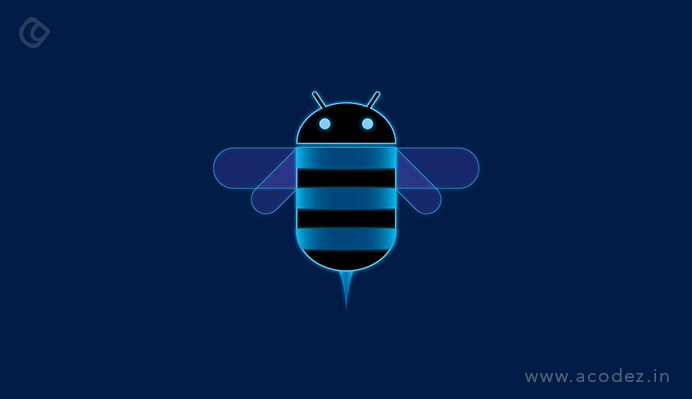
The next version was something special. Android version 3.0 Honeycomb was launched to be installed only for tablets and mobile devices with larger screens. It was launched in February 2011. Androids rival, Apple launched iPad in 2010. Honeycomb was a direct response to Apple. Google aimed for features that could not be handled by smartphones with smaller screens. But Honeycomb ended up as a version that not really required. Most of the features of Honeycomb were integrated with the next major version of Android.
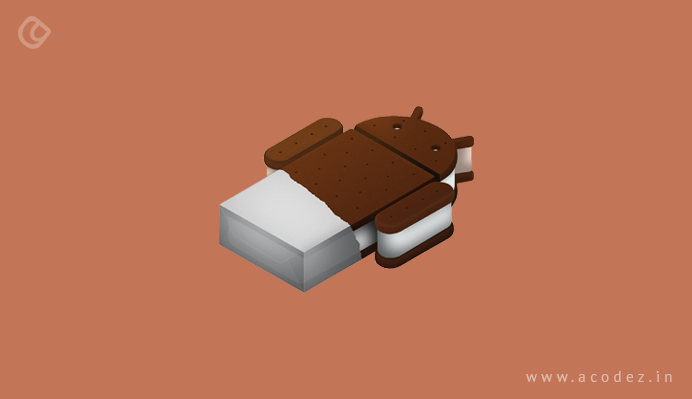
Ice Cream Sandwich was launched in October 2011. It had many features. Features of the previous version, Honeycomb, were integrated with the Ice Cream Sandwich version. This version was the first to introduce the support the feature to unlock the phone using its camera. This feature will evolve a lot in the upcoming years. Other notable changes with Ice Cream Sandwich included support for all the on-screen buttons, the ability to monitor the mobile and Wi-Fi data usage, and swipe gestures to dismiss notifications and browser tabs.
Android 4.1-4.3 Jelly Bean (July 9, 2012)
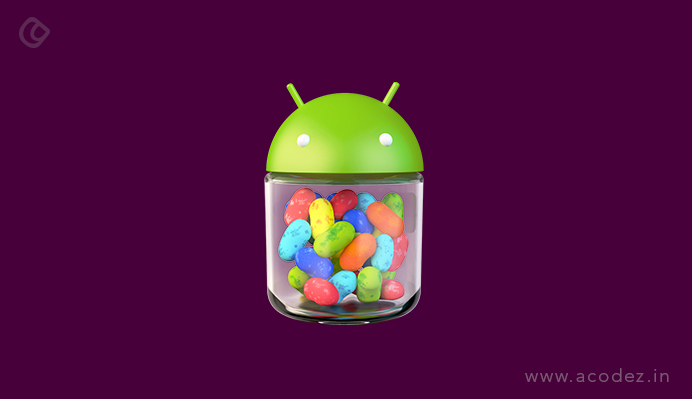
Google launched Android 4.1 with the Jelly Bean label on June 2012. Two more versions under the Jelly Bean label, Android 4.2 & 4.3 were released by Google in October 2012 & July 2013, respectively. The notification part was improved a lot in this version. Full support for Google Chrome (Android version) was included in Android 4.2. Android’s touch responsiveness was also improved. Jelly Bean was collectively the first Android version to support emoji and screensavers that are natively done.
Nexus 7 tablets had Jelly Bean installed in it. Many Android smartphones still use this version of Android.
Android 4.4 KitKat (October 31, 2013)
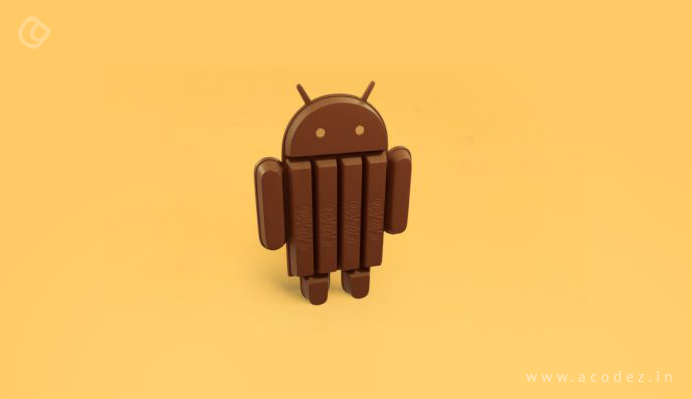
Google contacted Nestle, the maker of KitKat chocolate, asking if they could use the chocolate bar’s name for the next version of Android. Nestle agreed to this and Android 4.4 KitKat was launched in September 2013. KitKat did not have many features. But one main feature was that KitKat could run on smartphones with even a 512 MB RAM. It was because KitKat used the Android Runtime (ART), though experimental, instead of the DVM (Dalvik Virtual Machine) originally used by Android. This expanded the market share of Android to the next level. The phone makers could now run Android on cheaper smartphones.
Google’s Nexus 5 had the KitKat version of Android. KitKat still runs on many smartphones around the world.
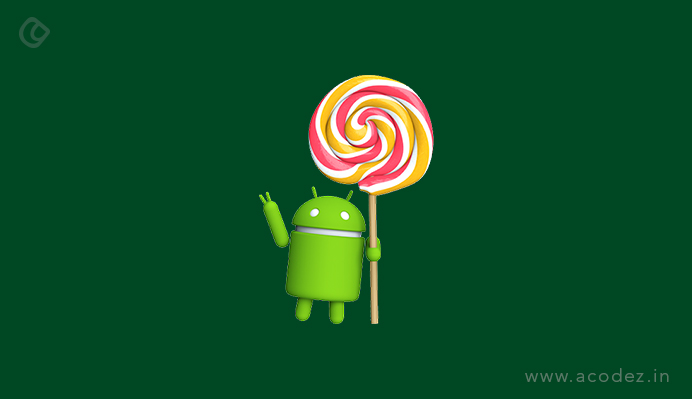
Android 5.0 Lollipop (November 12, 2014)
Android 5.0 Lollipop was launched in June 2014. Google’s new Material Design language was first introduced in Lollipop, which brought some major aesthetic changes toAndroid UI. It included changes in UIs like a revamped navigation bar and better-style notifications for the lock-screen etc. It brought the Flat Design concept into play. Google created more enhancements to Android devices’ battery life with a Doze mode where background apps are killed once the show is turned off.
Google’s Nexus 6 and Nexus 9 tablets were the first to use Lollipop.
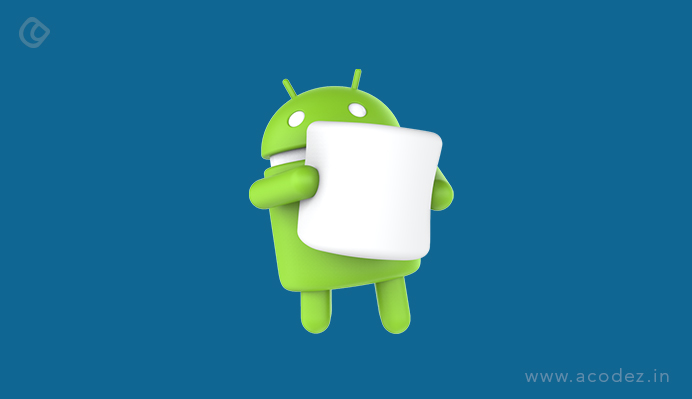
Android 6.0 Marshmallow (October 5, 2015)
First, the Android 6.0 version was to be called Macadamia Nut Cookie, but it was released as Marshmallow in May 2015. It included many new features like an app drawer which was vertically scrolling, along with Google Now available on Tap. This was the first version that had native support for unlocking of the smartphone with biometric; fingerprint authentication. USB Type C support was included and Android pay was also introduced in Marshmallow.
Google’s Nexus 6P and Nexus 5X smartphones were the first smartphones that had Marshmallow.
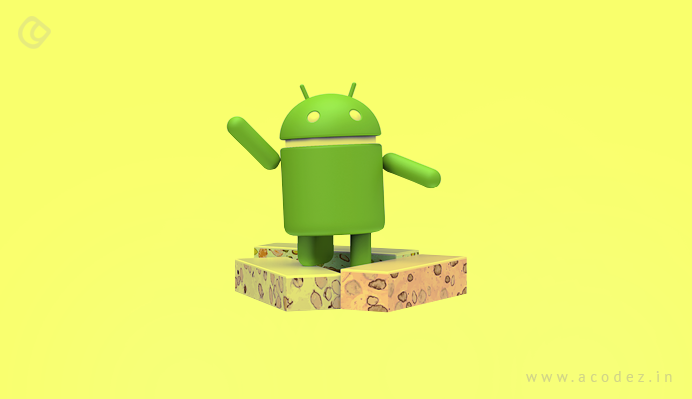
Android 7.0 Nougat (August 22, 2016)
Android 7.0 Nougat was released in August 2016. It came out with multitasking features, especially for smartphones with bigger screens. It included split-screen and fast switching between apps.
Many changes behind the scenes were also made by Google such as switching to a new JIT compiler that could speed up apps.
Google’s own smartphone, the Pixel, and Pixel XL, and LG V20 came out with Android 7.0 Nougat.
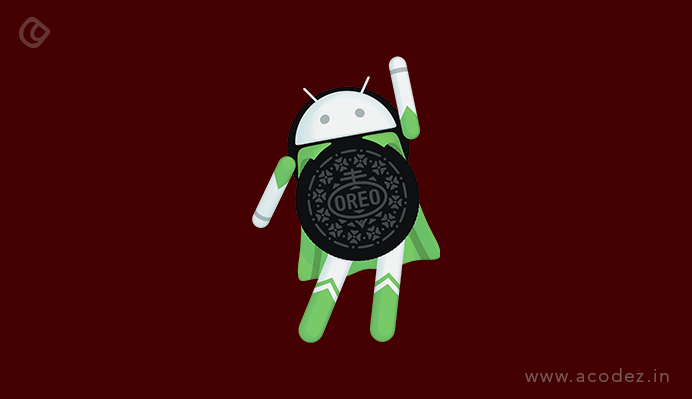
Android 8.0 Oreo (August 21, 2017)
This was the second time Google used a trademark name for it’s Android version, first being KitKat. Android 8.0 Oreo was released on August 2017. It included many visual changes such as native support for picture-in-picture mode, new autofill APIs that could help in better managing the passwords and fill data, notification channels, and much more.
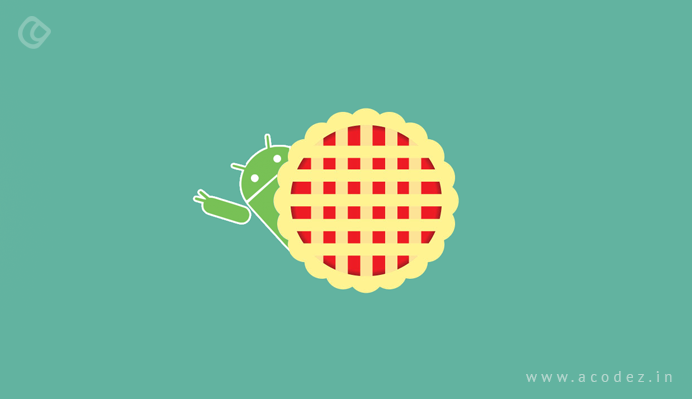
Android 9.0 Pie (August 6, 2018)
The next major version was released in August 2018. It came with a lot of new features and improvements. The new home-button was added in this version. When swiped up, it brings the apps used recently, a search bar and suggestions of five apps at the bottom. There was a new option added of swiping left to see the currently running apps. Improvements in battery life were also made in this version. Shush, a new feature was also added. It automatically puts the smartphone in Do not disturb mode. Many more features were also added.
Finally, Google opted to drop the tradition of naming the Android version after sweets and desserts. It was launched in September 2019. A number of features were added such as support for the upcoming foldable smartphones with flexible displays. Android 10 also has a system-wide dark mode, along with the newly introduced navigation control using gestures, the feature for smart reply for all the messaging apps, and a sharing menu that is more effective. The control over app-based permissions is also more in it.
Android 11 ( September 8, 2020)
The most significant change in the Android 11 version revolves around privacy. The update made in this version is based upon the extended permission system which was already introduced in version 10 but with the added option to grant permission on app location, microphone, and camera on a limited, single-use basis. The newly introduced feature will automatically revoke permission from any apps that haven’t been opened recently and makes it more challenging for the apps to request to detect your location from the background. The Android 11 version has a new approach to the notification section with a new streamlined media player, screen recording feature, notification history section, and a menu for connected device control.
Android Version 12 (October 4, 2021)
Compared to the last few versions of Android, Android 12 comes with some excitement as most headways are mainly on the surface. The update comes with a new standard which is called ‘Material you’. The material you bring out a completely different look and feel to the Android experience which is also not limited to system-level elements. The design principles in Android 12 will extend into phone apps as well as Google service. Along with a renewed focus on Android’s new widget system, the updates also give accessible control for different apps and their data usage and the amount of information you allow for apps to access.
Android version 13 (August 15, 2022)
This is the most subtle version with many desirable updates. Android 13 introduces a new interface design for tablets and foldable phones to create a remarkably large-screen experience in the operating system as well as within apps. Regarding regular phones, Android version 13 is less significant and people won’t notice any changes other than some visual refinements. The betterment in this version includes app optimization framework and guidelines, more potential split screen mode for the purpose of multitasking, and a ChromeOS desktop taskbar which makes it easy to frequently access used apps from anywhere.
Android version 14 (October 4, 2023)
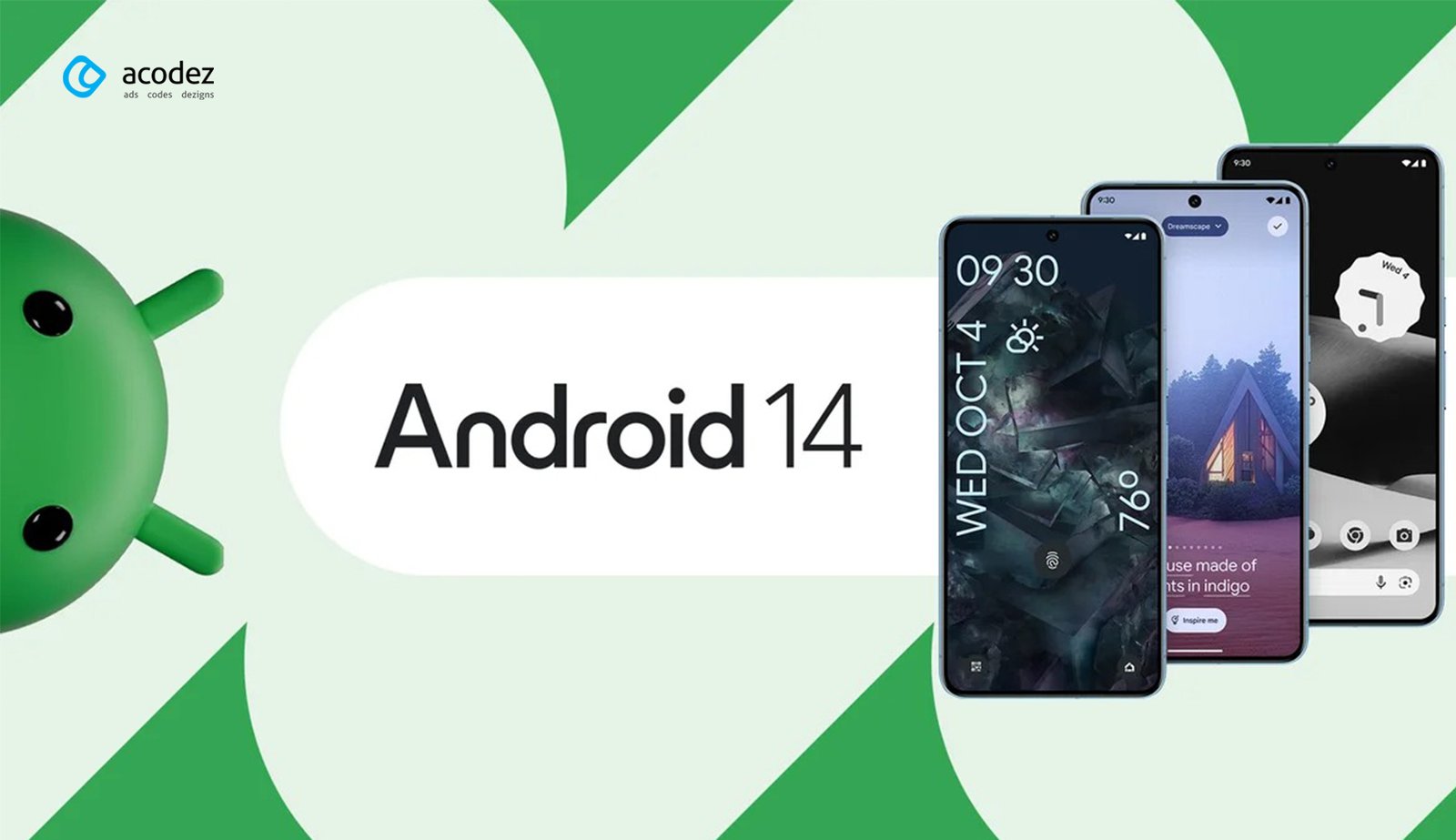
Android 14 (released Oct 4, 2023) focused heavily on customization, privacy, and accessibility. Key new features include:
Customization and UI: New lock‑screen templates and styling options (color, font, widget layout), plus AI wallpapers (generative text-to-image backgrounds on Pixel 8/8 Pro) and a sleek new monochromatic theme. Users can set custom lock‑screen shortcuts.
Health and Privacy: A built‑in Health Connect dashboard lets users centralize fitness and wellness data across apps. Android 14 also adds privacy transparency, apps must clearly indicate when they share location or other data with third parties.
Accessibility: New vision and hearing aids features. The magnifier now allows 100–1000% zoom, pinch‑zoom, and “keep on when switching apps” mode, all adjustable via a settings panel. Font sizes can scale up to 200% (nonlinear scaling prevents very large text from overflowing). For hearing‑impaired users, there is a dedicated hearing‑aid setup flow, quick access to hearing‑aid controls (volume, audio routing), and optional flash notifications (camera/LED or screen flashes when alerts arrive).
Media and Performance: Android 14 supports Ultra HDR imaging, producing richer, more vibrant photos on HDR-capable sensors. Google also optimized background tasks and job scheduling for better battery life under the hood. A one‑tap “screen time since full charge” stat was restored in Settings for more accurate battery usage info (it briefly appeared in early releases before being pulled).
Overall, Android 14 brought many minor refinements that make the OS more flexible and inclusive, especially on modern devices, while keeping changes on everyday smartphones relatively
Android version 15 (October 15, 2024)
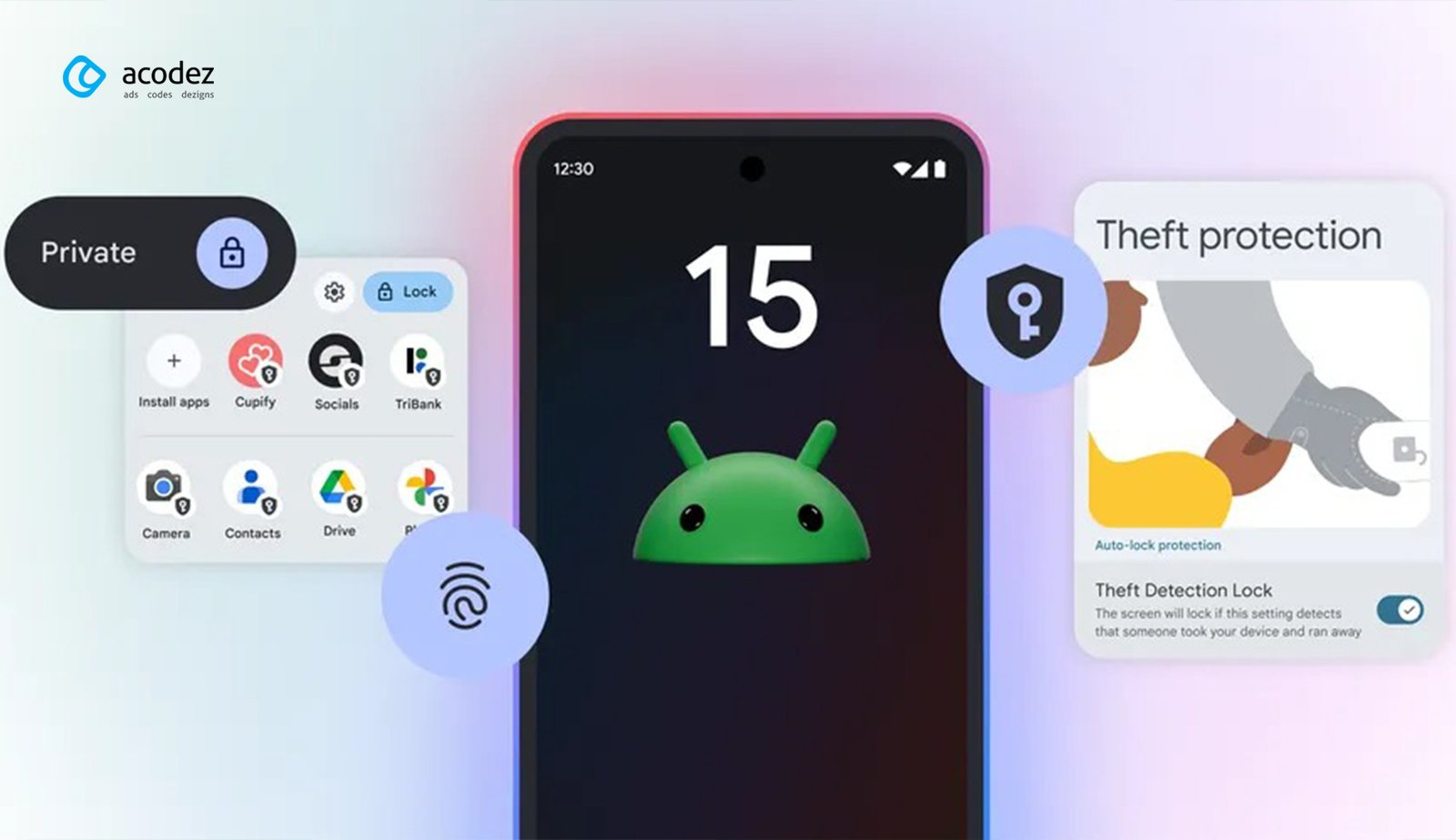
Android 15 (stable in mid October 2024) emphasized security and large‑screen productivity. Its major features include:
Theft Protection: New anti-theft tools make stolen devices harder to break into. For example, an AI‑driven “Theft Detection Lock” auto‑locks your phone if it senses sudden motion (running, biking, driving away), and a Remote Lock lets you instantly lock a lost phone via a simple number-based check. Google also hardened the boot process: thieves can no longer reset your phone or remove the SIM without extra authentication, and multiple failed PIN attempts will auto‑lock sensitive settings (like Find My Device).
Private Space: Android 15 adds a Private Space vault. You can create a separate locked environment on your device for sensitive apps (banking, dating, etc.). When Private Space is locked, its apps are hidden from the launcher, recent apps, notifications, and settings. Opening it requires a second layer of authentication, and you can even hide the fact that a Private Space exists. This lets users keep personal apps “virtually invisible”.
Foldable/Tablet Multitasking: Building on Android 13/14’s large-screen work, Android 15 makes multitasking easier on tablets and foldables. You can now pin or unpin the taskbar to keep favorite apps in view. A new App Pair feature lets you launch two apps together as a split-screen pair, which then appear as a single icon for easy future access. These tools speed up dragging-and-dropping between apps and switching in split-screen mode.
Camera, Connectivity and Passkeys: Android 15 also brings app-specific improvements. The Camera gets better low-light capture (more aggressive noise reduction) and more granular controls for third‑party apps (e.g. precise flash settings). Carriers can now enable true offline messaging: messaging apps may use built‑in satellite support to send/receive texts without Wi‑Fi or cellular. In authentication, Passkeys (passwordless login) are streamlined – you can authenticate with a single tap if your app already uses Passkeys.
In sum, Android 15 rolled out new security safeguards (both against theft and untrusted apps) and continued to improve the multitasking experience on larger devices, while adding helpful cross-app updates (camera and login).
Android version 16 (June 10, 2025)
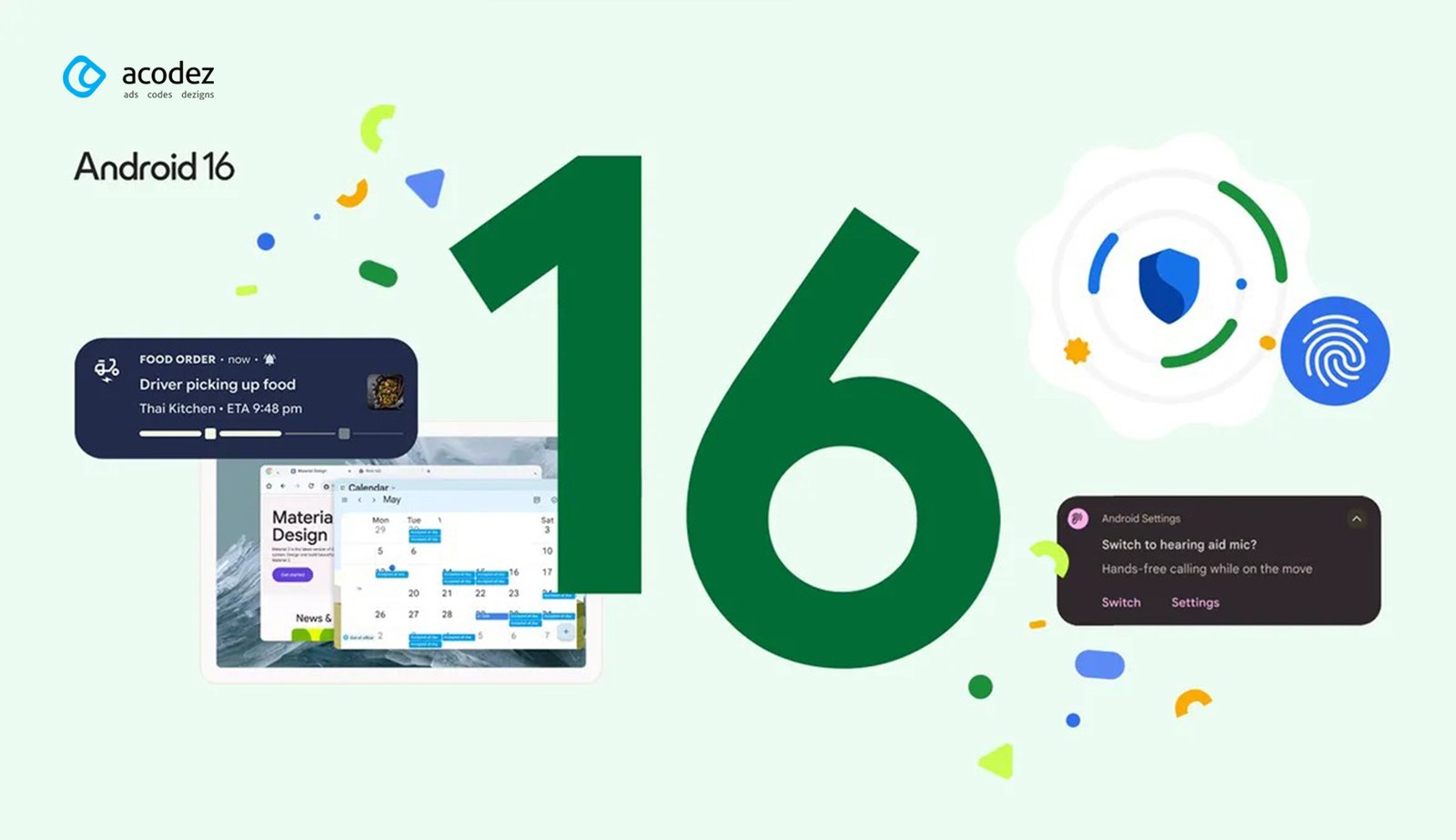
Android 16 is the latest Android release (announced June 2025). It builds on Android 15 by making daily tasks smoother and adding more safety tools. Notable features are:
Notifications: Live notifications that update in real time. For instance, a delivery app can show package status updates directly in the notification without reopening the app. Notifications from the same app are also automatically grouped to reduce clutter. Together, these keep users informed at a glance.
Hearing Aid Support: Android 16 greatly enhances hearing accessibility. You can now route calls through your phone’s own microphone (rather than the hearing aid’s mic) for clearer speech in noisy environments. New controls in Settings let you adjust hearing‑aid volume and modes directly from the phone, with a streamlined setup flow.
Advanced Protection Security: A new one‑tap Advanced Protection mode gives very strong device security against hacking and phishing. Activating it turns on strict checks against harmful apps and unsafe websites, and blocks scam calls more aggressively. This is the same protection Google offers to high-risk users (public figures, etc.), now easily enabled on any device.
Tablet Productivity: Android 16 introduces true desktop‑style multitasking on tablets. Besides standard split‑screen, you can now open multiple overlapping windows (resizeable app windows) on a single screen, similar to Samsung DeX or a desktop OS. New keyboard shortcuts and a taskbar overflow menu (to access apps when the taskbar is full) are coming soon, making tablets feel more like full PCs when needed.
Design Refresh: Android 16 also lays the groundwork for a new “Material You Expressive” design language (bolder colors and motion) in future updates. Under the hood, it continues optimizations like adaptive refresh rates and HDR screenshots for smoother visuals.
Overall, Android 16’s headline changes (live notifications, better hearing aid handling, robust one-touch security, and desktop‑style windows) are aimed at everyday usability and safety.
Future of Android
From the idea of creating an advanced operating system for digital cameras to the leading market share of smartphone OS, Android has covered a long distance. There were troubles in the beginning.
, Android version 17 has taken its first steps. its stable version is expected in mid-2026. Android has covered a long distance, from creating an advanced operating system for digital cameras to the leading smartphone OS market share. There were troubles in the beginning. But today, except for IOS, Android has wiped out all its rivals including Windows, Blackberry, and Nokia. There is no doubt that IOS is not going anywhere but still, the majority of the smartphone OS market share is with Android only. Android holds a global market share of 72.15% as of January 2025, up from just 12% in 2010. With every update, new features are included and improvements are made. Android is evolving at a rapid pace and in the future, It does not look like any other OS is going to affect its position.
What Was Android Originally Designed For Before Smartphones?
Android Inc. was founded in 2003 to develop an operating system for digital cameras and embedded devices, not smartphones. When the camera market showed poor adoption, Google acquired Android in 2005 for $50 million and redirected it toward mobile phones, which proved to be a transformative decision that changed the entire industry.
How Did Google’s Free and Open-Source Strategy Give Android an Unfair Advantage Over Microsoft and Apple?
Google provided Android free to manufacturers instead of charging licensing fees like Microsoft did for Windows Mobile. This strategy attracted Samsung, HTC, and other manufacturers to adopt Android, allowing them to customize it without paying fees. By 2025, Android captured 72% global market share compared to just 12% in 2010, proving the open-source model’s superiority.
Why Did Samsung Reject the Opportunity to Buy Android Before Google Did?
Before Google acquired Android Inc., founder Andy Rubin offered it to Samsung, but Samsung rejected the deal. Despite this missed opportunity, Samsung became the world’s largest Android manufacturer, generating billions in Galaxy smartphone revenue. This shows how Android’s open ecosystem benefited multiple manufacturers rather than just one owner.
What Role Did the Open Handset Alliance Play in Android’s Dominant Market Position?
Google formed the Open Handset Alliance (OHA) in 2007 with 34 companies including HTC, Qualcomm, and Motorola. The OHA standardized Android across devices while allowing manufacturer customization, preventing fragmentation and ensuring quality consistency. This framework enabled 3.9 billion people to use Android devices reliably today.
How Did Android Evolve From a Buggy OS to the World’s Most Refined Mobile Operating System?
Early Android (2008-2010) was criticized as clunky and unreliable compared to iOS. Android 4.0 Ice Cream Sandwich (2011) introduced Project Butter, which dramatically improved responsiveness. Subsequent versions refined security, privacy, and performance, with modern Android now matching or exceeding iOS in smoothness and features by 2025.
Looking for a good team
for your next project?
Contact us and we'll give you a preliminary free consultation on the web & mobile strategy that'd suit your needs best.
Rithesh Raghavan, Co-Founder, and Director at Acodez IT Solutions, who has a rich experience of 16+ years in IT & Digital Marketing. Between his busy schedule, whenever he finds the time he writes up his thoughts on the latest trends and developments in the world of IT and software development. All thanks to his master brain behind the gleaming success of Acodez.







Hi there, after reading this remarkable paragraph i am as well
happy to share my experience here with colleagues.