In today’s digital landscape, the difference between a good user experience and a great one often comes down to the smallest details. Micro-interactions and motion design have emerged as critical elements that can transform how users perceive and interact with digital products. As we move through 2026, these elements are no longer optional enhancements; they’re essential components of user-centric design. Micro-interactions are those subtle, functional animations that occur when users interact with an interface. From the satisfying bounce of a button when clicked to the smooth scroll animation that guides the eye, these small moments create a sense of responsiveness and polish. Meanwhile, motion design encompasses the broader use of animation to guide user attention, provide feedback, and enhance the overall narrative of a digital experience. This article explores how micro-interactions and motion design improve user experience, why they matter more than ever in 2026, and how businesses can leverage them to create more engaging digital products.
Understanding Micro-Interactions: The Building Blocks of Good Design
Micro-interactions are brief, focused interactions that happen between a user and a digital interface. They’re often overlooked, yet they play a crucial role in making applications feel responsive, intuitive, and human-centered.
What Defines a Micro-Interaction?
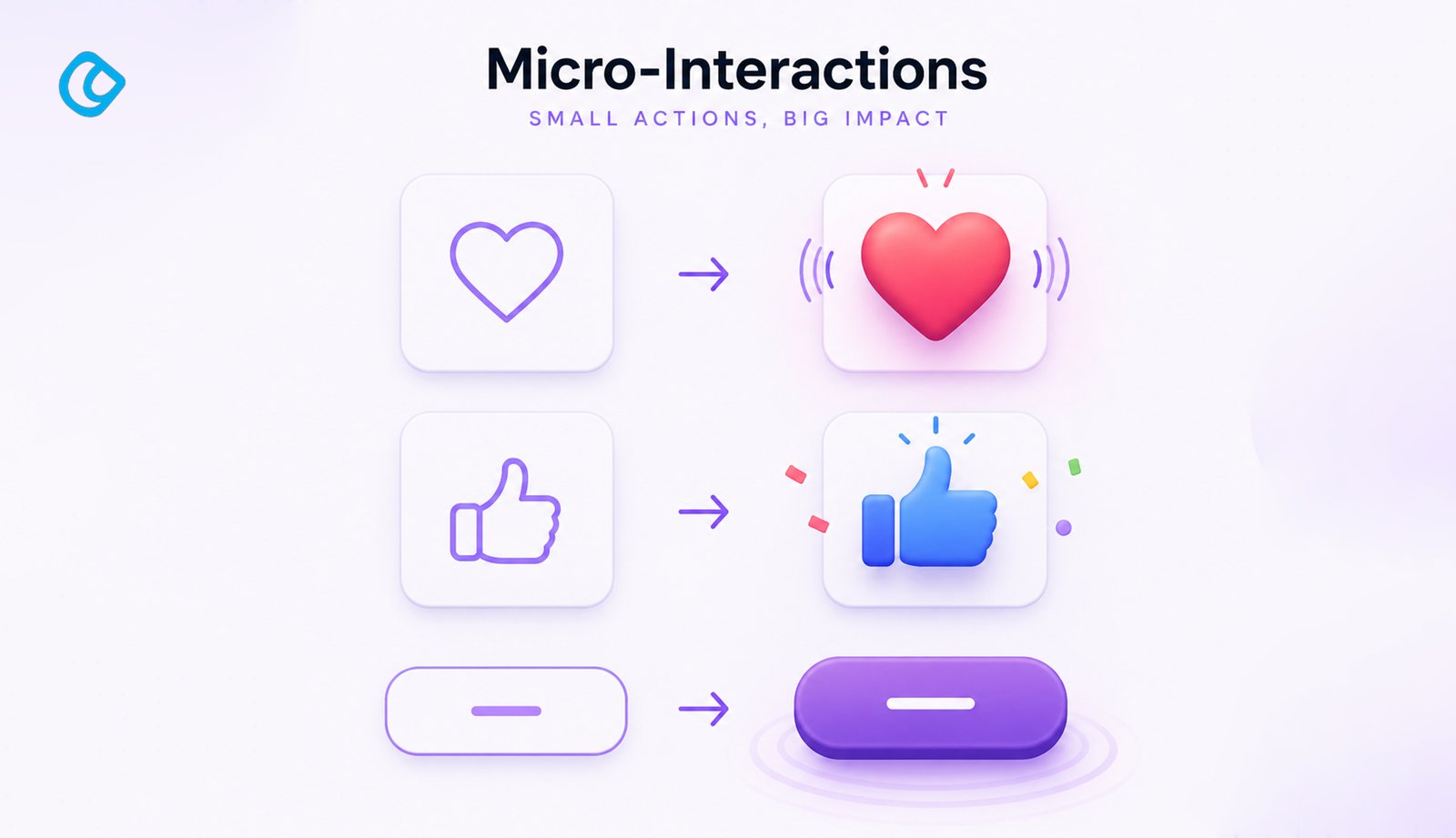
A micro-interaction typically consists of a single interaction cycle with a clear beginning and end. When you hover over a button, and it changes color, that’s a micro-interaction. When you pull down to refresh your social media feed and see a loading spinner, that’s another example. These moments are characterized by their brevity and specificity; they focus on one action or piece of feedback at a time. Dan Saffer, a pioneer in micro-interaction design, defines micro-interactions as having four main components:
Trigger: The event that initiates the micro-interaction. This could be a user action like clicking a button, hovering over an element, or scrolling to a specific point.
Rules: The logic that governs what happens next. These determine the behavior of the micro-interaction based on the trigger.
Feedback: The response the user receives. This is usually visual, such as an animation or color change, but can also include sound or haptic feedback.
Loops and Modes: The conditions that determine whether the micro-interaction repeats or changes over time.
Real-World Examples of Effective Micro-Interactions
Successful micro-interactions are everywhere in well-designed products. Consider the Gmail interface: when you hover over an email, subtle background color changes and additional action buttons appear. This micro-interaction helps users understand what’s actionable without cluttering the interface. Gartner predicts that 75% of customer-facing applications will incorporate micro-interactions as standardUI/UXpractice. Another excellent example is found in music streaming applications like Spotify. When you like a song, the heart icon briefly animates, providing immediate visual feedback that your action has been registered. This simple animation reinforces the user’s action and creates a more satisfying interaction. Form inputs are another prime area for micro-interactions. When a user correctly fills in a form field, a checkmark might appear, instantly validating their input. If there’s an error, the field might shake slightly while turning red, providing clear, non-verbal feedback.
The Power of Motion Design in User Experience
While micro-interactions focus on individual elements, motion design takes a broader view, orchestrating animations across entire interfaces to create cohesive, guided experiences.
How Motion Design Guides User Attention
In 2026, capturing and directing user attention has become increasingly important. With so much competing for our focus, motion design serves as a powerful tool to guide users toward important elements and actions.
Entrance animations help users understand the structure of an interface by revealing elements in a logical sequence. When a modal dialog slides in from the side or appears with a smooth fade, it immediately draws attention and signals to the user that something important is happening. Transition animations bridge the gap between states, making interface changes feel connected rather than jarring. When a user navigates from one page to another, smooth transitions help maintain context and prevent the disorienting feeling of sudden changes. The average human attention span has dropped to 8.25 seconds in 2025, with users spending only 1.7 seconds deciding whether to engage or scroll past, making motion-guided visual hierarchy more critical than ever
Establishing a Sense of Depth and Hierarchy
Motion design is instrumental in establishing visual hierarchy. Faster animations often feel lighter and less important, while slower, more deliberate movements convey weight and significance. By varying animation speeds, designers can help users intuitively understand the importance and urgency of different elements. Parallax effects, where background and foreground elements move at different speeds, create a compelling sense of depth. This technique has become increasingly refined and is particularly effective for hero sections and landing pages.
Building Emotional Connections Through Animation
Animation isn’t just functional; it’s also emotional. When a micro-interaction is executed well, it creates a moment of delight. A satisfying button click, a smooth loading animation, or a playful empty-state illustration can transform a mundane interaction into a memorable one. Companies like Apple have long understood this principle. Their products are renowned for the polish and thoughtfulness of their micro-interactions and transitions. Every animation serves a purpose, and together, they create a sense of premium quality and care.
The Tangible Benefits of Micro-Interactions and Motion Design
1. Enhanced Perceived Performance
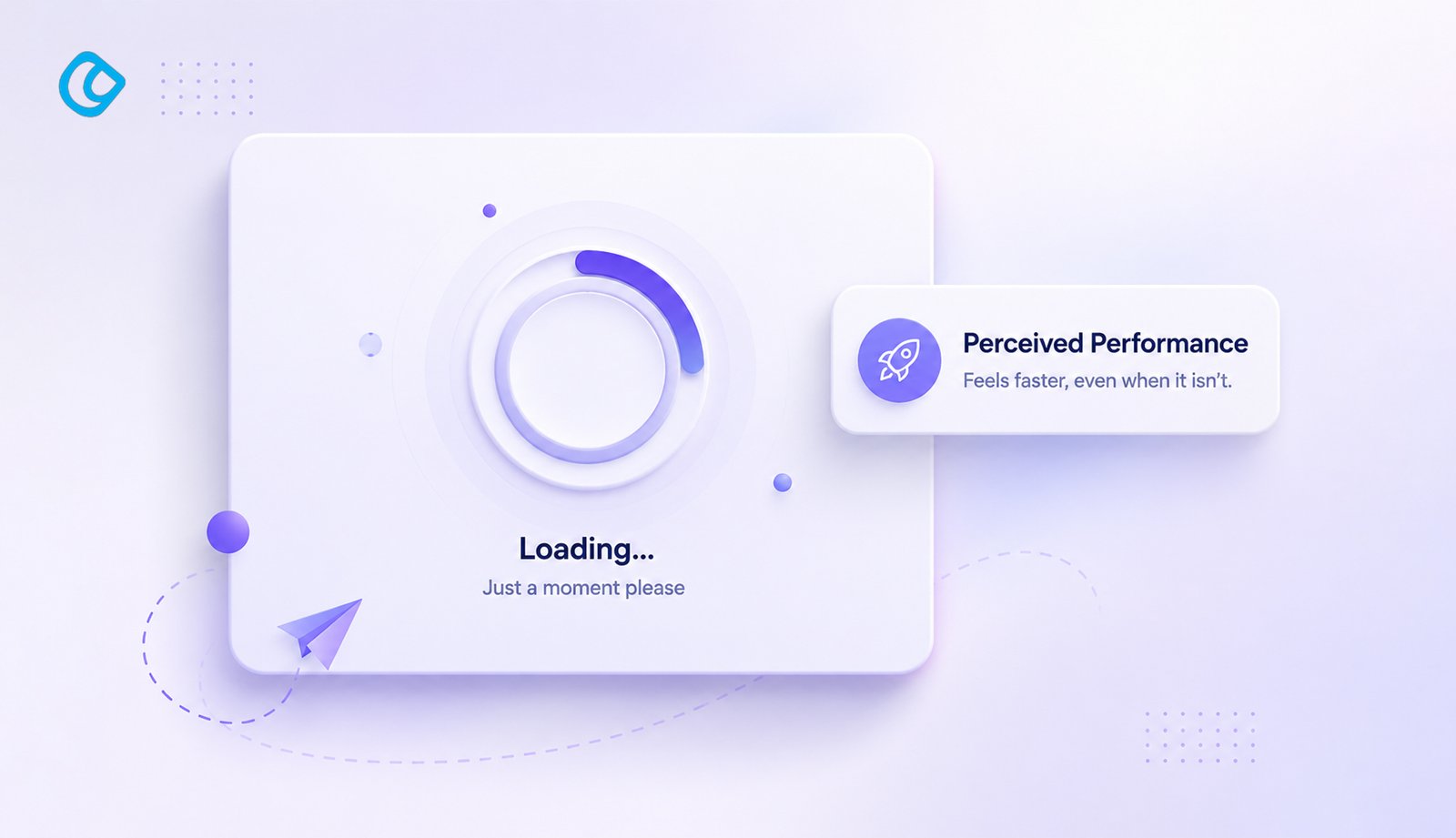
One of the most important benefits of motion design is that it can actually make applications feel faster. When a loading indicator appears with a smooth animation, users perceive the wait time as shorter than it actually is. This is the power of perceived performance; the actual speed may not have changed, but the user’s experience of that speed has improved.
2. Improved Clarity and Usability
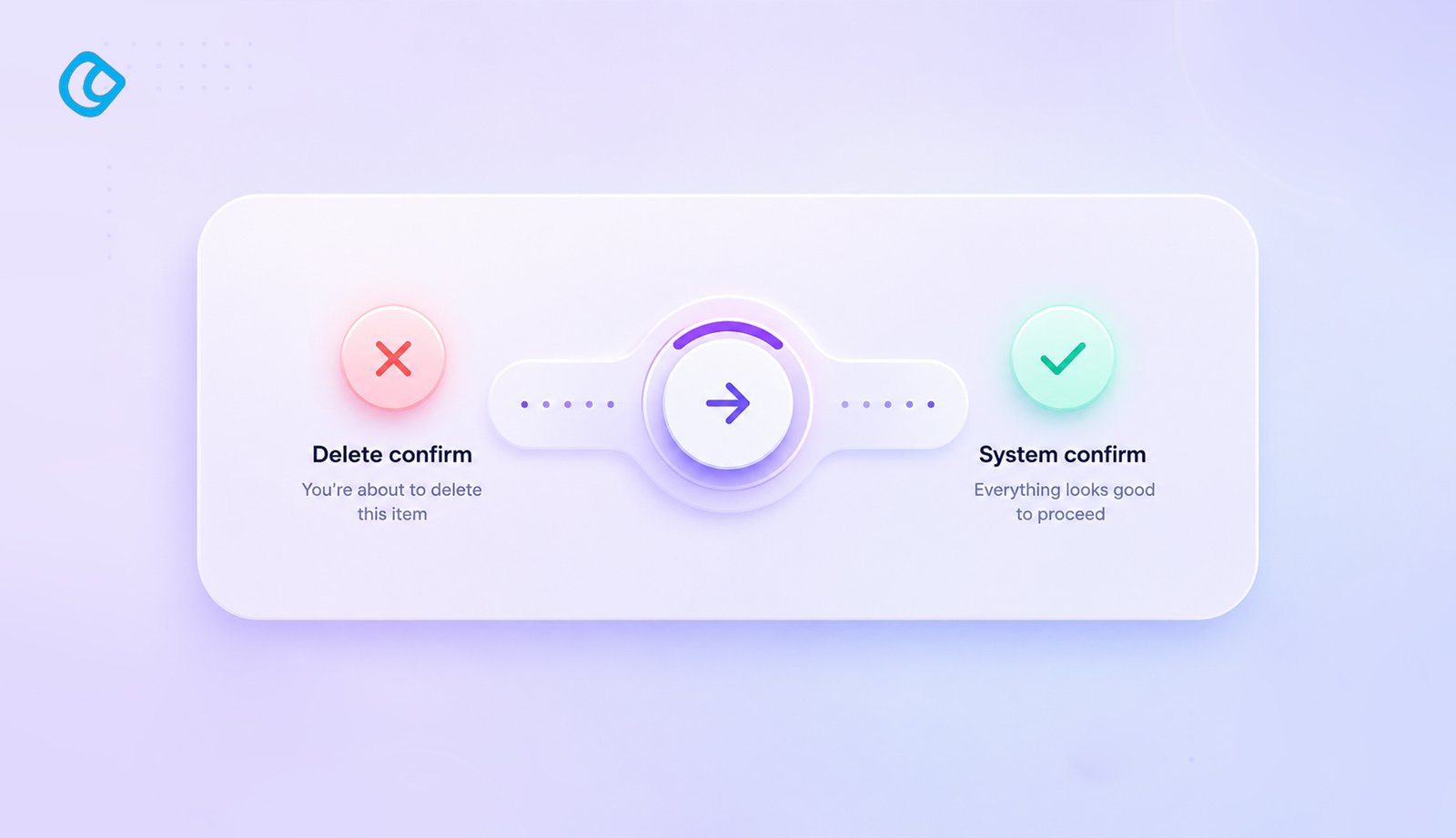
Micro-interactions provide immediate feedback to user actions, reducing uncertainty and improving usability. When a button responds to a click with a visual change, the user immediately knows their action was registered. This reduces the frustration of wondering whether an action worked. The importance of usability cannot be overstated. Studies show that 88% of users are unlikely to return to a website after a poor user experience, while 60% of consumers avoid brands with unattractive or poorly designed interfaces, even when customer reviews are positive
For forms, in-field validation with micro-interactions guides users toward correct input without requiring them to submit and wait for error messages. This significantly improves the form completion rate.
3. Increased Engagement and User Satisfaction
Thoughtful animations make interfaces feel more polished and professional. Users are more likely to engage with products that feel responsive and well-designed. Studies have shown that interactions with subtle animations lead to higher satisfaction scores and more positive user reviews.
4. Better Information Retention
When information is revealed through animation, users tend to retain it better. The visual movement captures attention, and the step-by-step revelation of information creates a narrative that’s easier to follow and remember.
5. Reduced Cognitive Load
By providing clear, visual feedback for every action, micro-interactions reduce the mental effort required to understand an interface. Users don’t need to read instructions or guess whether their action was successful; the animation tells them immediately.
Current Trends in Motion Design for 2026
Minimalist Animation
In 2026, the trend is moving toward minimalist, purposeful animation. Designers are moving away from flashy, gratuitous animations toward subtle, functional ones. The principle is simple: every animation should serve a purpose. If it doesn’t enhance the user experience or communicate important information, it shouldn’t be there.
Accessibility in Motion
Increased awareness of motion sensitivity and vestibular disorders has led to a focus on accessible animation. The prefers-reduced-motion media query has become standard practice, allowing users to opt out of animations if they cause discomfort. Progressive disclosure through animation, combined with alternative static states, ensures that animation enhances rather than hinders accessibility.
Sophisticated Easing Functions
Gone are the days of linear animations. In 2026, sophisticated easing functions create more natural, lifelike motion. Easing curves that mimic real-world physics, such as cubic-bezier functions that accelerate and decelerate realistically, create animations that feel organic rather than robotic.
Haptic Feedback Integration
As mobile devices increasingly support haptic feedback, designers are integrating subtle vibrations with visual micro-interactions. A button click that combines a visual animation with a light haptic feedback creates a richer, more immersive interaction.
Implementing Micro-Interactions and Motion Design Effectively
Start with Purpose
Before adding any animation, ask yourself: What is this animation communicating? Does it serve a functional purpose, or is it merely decorative? Every animation should have a clear reason for existing.
Maintain Consistency
Consistency in animation style, timing, and easing creates a cohesive experience. If you’ve established that important actions take 300 milliseconds to animate, stick to that across your interface. Inconsistent animation feels unprofessional and confusing.
Respect User Preferences
Always respect the prefers-reduced-motion setting. Provide alternative, static feedback mechanisms for users who prefer reduced animation. This ensures your interface is accessible to everyone.
Test with Real Users
Animation often feels different when used in real applications versus design mockups. Test your micro-interactions with actual users to ensure they feel natural and enhance rather than hinder the experience.
Performance Matters
Animations require processing power. Poorly optimized animations can cause jank and stuttering, significantly degrading the user experience. Use CSS animations and GPU-accelerated properties whenever possible, and always test performance on devices of varying capability.
The Business Impact of Good Micro-Interactions and Motion Design
Beyond the user experience benefits, investing in micro-interactions and motion design has tangible business impacts:
Higher Conversion Rates: Clear, responsive feedback helps guide users toward desired actions, increasing conversion rates across forms, checkout processes, and calls to action.
Reduced Support Costs: When interfaces communicate clearly through animation, users require less support. Fewer confused users mean fewer support tickets.
Improved Retention: Users are more likely to continue using products that feel polished and responsive. Good micro-interactions contribute directly to retention, and even a 5% increase in customer retention can boost profits by 25% to 95%. Companies that invest in customer experience also report a 42% increase in retention, a 33% improvement in customer satisfaction, and a 32% rise in cross-selling opportunities.
Competitive Differentiation: In crowded markets, the polish of micro-interactions and motion design can set your product apart from competitors.
Conclusion
As we navigate 2026, micro-interactions and motion design are no longer luxuries; they’re necessities for creating competitive, user-centered digital products. These subtle elements work together to create interfaces that feel responsive, intuitive, and delightful.
The most successful digital products recognize that user experience is built from the ground up, one small interaction at a time. By paying attention to micro-interactions and thoughtfully implementing motion design, companies can create products that not only function well but also feel exceptional to use.
Whether you’re designing a web application, a mobile app, or a digital service, remember that the smallest animations often make the biggest impact on how users perceive your product. Invest in the details, respect your users’ preferences, and create interactions that delight.
The future of user experience is not about flashy, gratuitous animations. It’s about purposeful, thoughtful micro-interactions that guide, reassure, and delight users at every touchpoint. In 2026, that’s what separates good design from great design.
Acodez is a leading web design company in India offering all kinds of web development and design solutions at affordable prices. We are also an SEO and digital marketing agency in India, offering inbound marketing solutions to take your business to the next level. For further information, please contact us today.
Frequently Asked Questions
Looking for a good team
for your next project?
Contact us and we'll give you a preliminary free consultation on the web & mobile strategy that'd suit your needs best.
Farhan Srambiyan is a digital marketing professional with a wealth of experience in the industry. He is currently working as a Senior Digital Marketing Specialist at Acodez, a leading digital marketing and web development company. With a passion for helping businesses grow through innovative digital marketing strategies, Farhan has successfully executed campaigns for clients in various industries.